
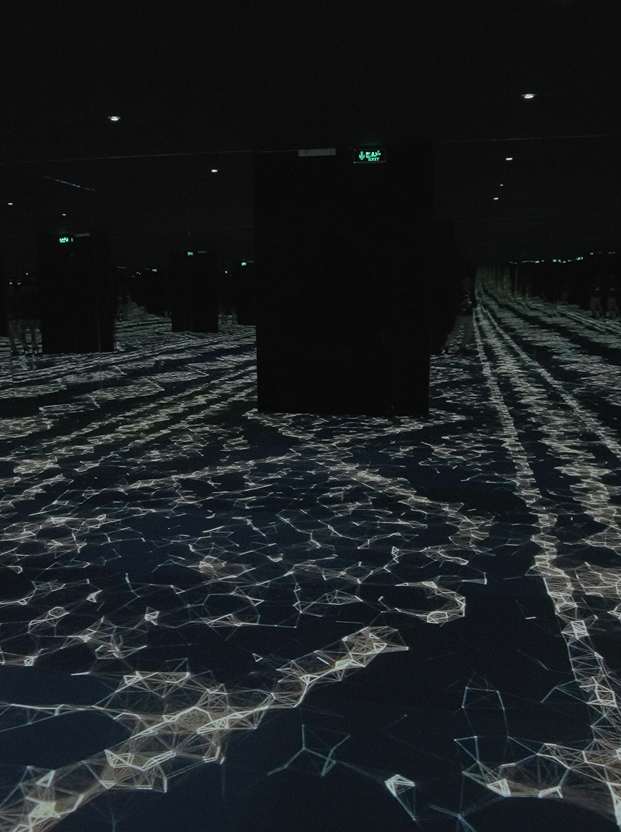
HW1: Display & Projection Fundamentals for Immersive Art
This session establishes the “DAL way” of working: start from intention, translate to technical decisions, and validate through testing. Participants learn foundational principles of light, perception, display/projection types, signal flow, and calibration, then apply them through guided setup exercises and real-world troubleshooting drills. It also acts as an orientation, briefly mapping how each subsequent session extends today’s foundations into scale, software mapping, real-time workflows, interactivity, and reliable deployment.
Date:
Friday, Jan 2026
Time:
9:30pm-12:30am
Language:
Friday, Jan 2026
Speaker:
Muaad
Riyadh, Jax district
Fees :
100
Learning goals
- Understand how light, surfaces, and environment affect perceived image quality.
- Recognize key differences between display/projection technologies and when to use each.
- Build a reliable video signal chain and diagnose common failures.
- Perform baseline calibration suitable for gallery contexts.
Learning outcomes
- Select an appropriate display/projector for a given installation brief and constraints.
- Cable, route, and validate a stable video signal path (source → playback → output).
- Calibrate brightness/contrast/white point using test patterns and document settings.
- Troubleshoot “no signal / wrong resolution / EDID/HDCP symptoms” using a repeatable checklist.
Learning Details
- Duration: ~2h55 (175 min)
- Explore (10): what we’re building +DAL orientation map + 1–2 case studies
- Learn (35): Theory Module —light/perception, projection geometry, display types, signal flow, calibration
- Create (120): stations: signal chain +alignment (no keystone) + calibration + “choose the right tool” briefs
- Share (15): show calibration before/after + one troubleshooting story
- Deliverable: [Foundations checklist +5‑step troubleshooting ladder + basic “display choice” cheat sheet]